
Exciting news! TCMS official website is live! Offering full-stack software services including enterprise-level custom R&D, App and mini-program development, multi-system integration, AI, blockchain, and embedded development, empowering digital-intelligent transformation across industries. Visit dev.tekin.cn to discuss cooperation!
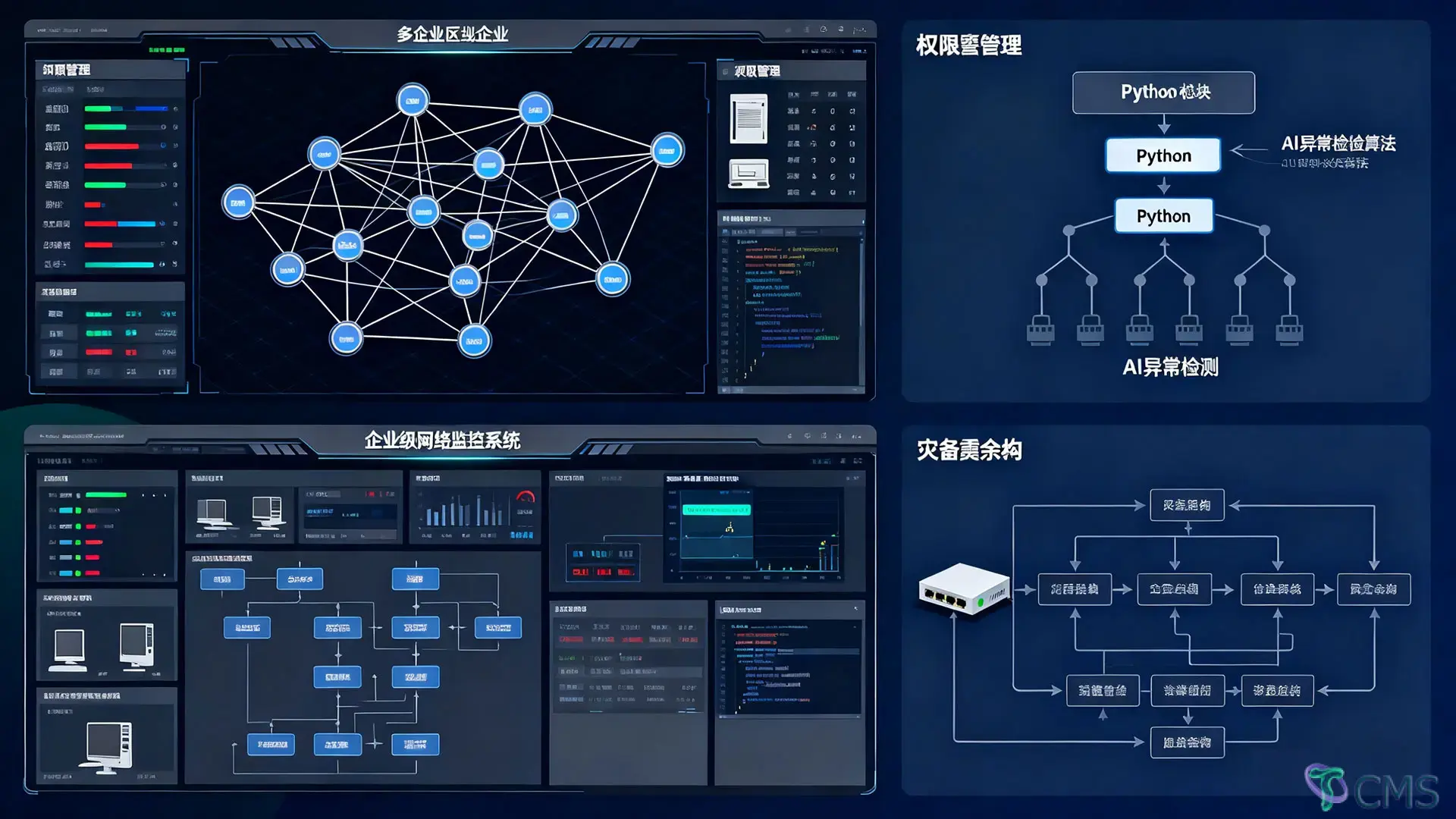
Build a Python-based network monitoring system with device tracking, traffic analysis, and alert notifications. Complete code with scheduled tasks and cross-platform support.
import os
import psutil
import socket
import smtplib
from email.mime.text import MIMEText
from apscheduler.schedulers.blocking import BlockingScheduler
import platform
import time
# ============================== Configuration Parameters ==================
MONITORED_IPS = ["192.168.1.1", "192.168.1.100"] # IPs of devices to monitor
ALERT_THRESHOLD = {
"upload": 1024 * 1024 * 5, # Upload threshold (5MB/minute)
"download": 1024 * 1024 * 10 # Download threshold (10MB/minute)
}
EMAIL_CONFIG = {
"sender": "your_sender_email@example.com",
"receiver": "your_receiver_email@example.com",
"smtp_server": "smtp.example.com",
"smtp_port": 587,
"password": "your_email_password"
}
# ================== Device Status Monitoring ==================
def ping_device(ip):
"""
Cross-platform ping test
"""
param = "-n 1" if platform.system().lower() == "windows" else "-c 1"
command = f"ping {param} {ip}"
return os.system(command) == 0
# ================== Traffic Statistics (with incremental calculation) ==================
class TrafficMonitor:
"""
Traffic monitoring class to calculate real-time upload and download traffic
"""
def __init__(self):
self.prev_upload = 0
self.prev_download = 0
def get_traffic(self):
net_io = psutil.net_io_counters()
current_upload = net_io.bytes_sent
current_download = net_io.bytes_recv
traffic = {
"upload": current_upload - self.prev_upload,
"download": current_download - self.prev_download
}
self.prev_upload, self.prev_download = current_upload, current_download
return traffic
# ================== Connection Monitoring ==================
def monitor_connections():
"""
Monitor TCP/UDP connections
"""
connections = []
for conn in socket.net_connections():
if conn.type in (socket.SOCK_STREAM, socket.SOCK_DGRAM):
local = f"{conn.laddr[0]}:{conn.laddr[1]}"
remote = f"{conn.raddr[0]}:{conn.raddr[1]}" if conn.raddr else "N/A"
connections.append({
"type": "TCP" if conn.type == socket.SOCK_STREAM else "UDP",
"local": local,
"remote": remote
})
return connections
# ================== Fault Alerting ==================
def send_alert_email(subject, message):
"""
Email alert notification
"""
msg = MIMEText(message)
msg["Subject"] = subject
msg["From"] = EMAIL_CONFIG["sender"]
msg["To"] = EMAIL_CONFIG["receiver"]
try:
with smtplib.SMTP(EMAIL_CONFIG["smtp_server"], EMAIL_CONFIG["smtp_port"]) as server:
server.starttls()
server.login(EMAIL_CONFIG["sender"], EMAIL_CONFIG["password"])
server.sendmail(EMAIL_CONFIG["sender"], [EMAIL_CONFIG["receiver"]], msg.as_string())
print("Alert email sent successfully")
except Exception as e:
print(f"Failed to send email: {str(e)}")
# ================== Core Monitoring Logic ==================
traffic_monitor = TrafficMonitor()
def device_status_check():
"""
Device status check task
"""
offline_devices = [ip for ip in MONITORED_IPS if not ping_device(ip)]
if offline_devices:
message = f"Device offline alert: {', '.join(offline_devices)} are unreachable"
send_alert_email("[Device Offline] Network Monitoring Alert", message)
print(f"[WARNING] Offline devices: {offline_devices}")
def traffic_statistics():
"""
Traffic statistics and threshold checking
"""
traffic = traffic_monitor.get_traffic()
upload_mb = traffic["upload"] / (1024 * 1024)
download_mb = traffic["download"] / (1024 * 1024)
alerts = []
if upload_mb > ALERT_THRESHOLD["upload"] / (1024 * 1024):
alerts.append(f"Abnormal upload traffic: {upload_mb:.2f}MB (Threshold: {ALERT_THRESHOLD['upload']/1024/1024:.2f}MB)")
if download_mb > ALERT_THRESHOLD["download"] / (1024 * 1024):
alerts.append(f"Abnormal download traffic: {download_mb:.2f}MB (Threshold: {ALERT_THRESHOLD['download']/1024/1024:.2f}MB)")
if alerts:
send_alert_email("[Traffic Anomaly] Network Monitoring Alert", "\n".join(alerts))
print(f"[WARNING] Traffic anomalies: {', '.join(alerts)}")
else:
print(f"Traffic normal - Upload: {upload_mb:.2f}MB, Download: {download_mb:.2f}MB")
def connection_monitor():
"""
Connection monitoring task
"""
connections = monitor_connections()
if len(connections) > 100: # Example: Alert when connections exceed 100
message = f"Abnormal connection count alert: Current connections ({len(connections)}) exceed threshold"
send_alert_email("[Connection Anomaly] Network Monitoring Alert", message)
print(f"[WARNING] Abnormal connection count: {len(connections)}")
else:
print(f"Current connections: {len(connections)}")
# ================== System Integration and Scheduled Tasks ==================
if __name__ == "__main__":
# Initialize traffic monitoring baseline values
traffic_monitor.get_traffic() # First call to establish baseline
scheduler = BlockingScheduler()
scheduler.add_job(func=device_status_check, trigger="interval", minutes=1, name="Device Status Check")
scheduler.add_job(func=traffic_statistics, trigger="interval", minutes=5, name="Traffic Statistics")
scheduler.add_job(func=connection_monitor, trigger="interval", minutes=10, name="Connection Monitor")
print("Network monitoring system started...")
try:
scheduler.start()
except KeyboardInterrupt:
print("Monitoring system stopped")Configuration Parameters Modification:
MONITORED_IPS: Add the list of device IPs you need to monitor
ALERT_THRESHOLD: Adjust traffic alert thresholds as needed (unit: bytes)
EMAIL_CONFIG: Replace with your email server configuration (application-specific passwords recommended)
Dependency Installation:
pip install psutil apschedulerFeature Expansion Suggestions:
Data Storage: Add SQLite/MySQL for historical data storage (refer to sqlite3 library)
import sqlite3
def save_to_db(data):
    conn = sqlite3.connect('network_monitor.db')
    cursor = conn.cursor()
    cursor.execute('INSERT INTO traffic (time, upload, download) VALUES (?, ?, ?)', data)
    conn.commit()
    conn.close()
Multi-device Support: Set individual monitoring parameters and alert thresholds for each device
Enhanced Alerts:
Add SMS notifications
Support DingTalk/WeChat Work robot notifications
Visual Interface: Develop a web monitoring dashboard using Flask/Django
Protocol Analysis: Implement deeper packet analysis with the Scapy library
Running the System:
python network_monitor.pyCross-platform Support: Automatically adapts to Windows/Linux ping commands
Multi-level Alerts: Three-tier alert mechanism for device offline, traffic anomalies, and connection count anomalies
Configurable: Flexibly adjust monitoring targets and thresholds through parameters
Scheduled Tasks: Implement flexible task scheduling with APScheduler
Email alerts require SMTP service to be enabled
Traffic statistics accuracy depends on scheduled task intervals (recommended: 5-10 minutes)
For large-scale network environments, use multi-threading/asynchronous processing to improve performance
Add logging functionality in production environments (using the logging library)

 Tekin Tian
May 03, 2025

 Tekin Tian
May 03, 2025



Please enter your email address below and click the subscribe button. By doing so, you agree to our Terms and Conditions.