
喜讯!TCMS 官网正式上线!一站式提供企业级定制研发、App 小程序开发、AI 与区块链等全栈软件服务,助力多行业数智转型,欢迎致电:13888011868 QQ 932256355 洽谈合作!
在现代 CI/CD 流程中,如何在最新的 macOS 环境下编译出兼容旧版本系统的二进制文件是一个常见的技术挑战。本文详细记录了在 GitHub Actions 使用 `macos-14` 环境编译出兼容 macOS 10.15+ 的 CopyPathFinder 应用的完整过程,包括遇到的坑点和解决方案。
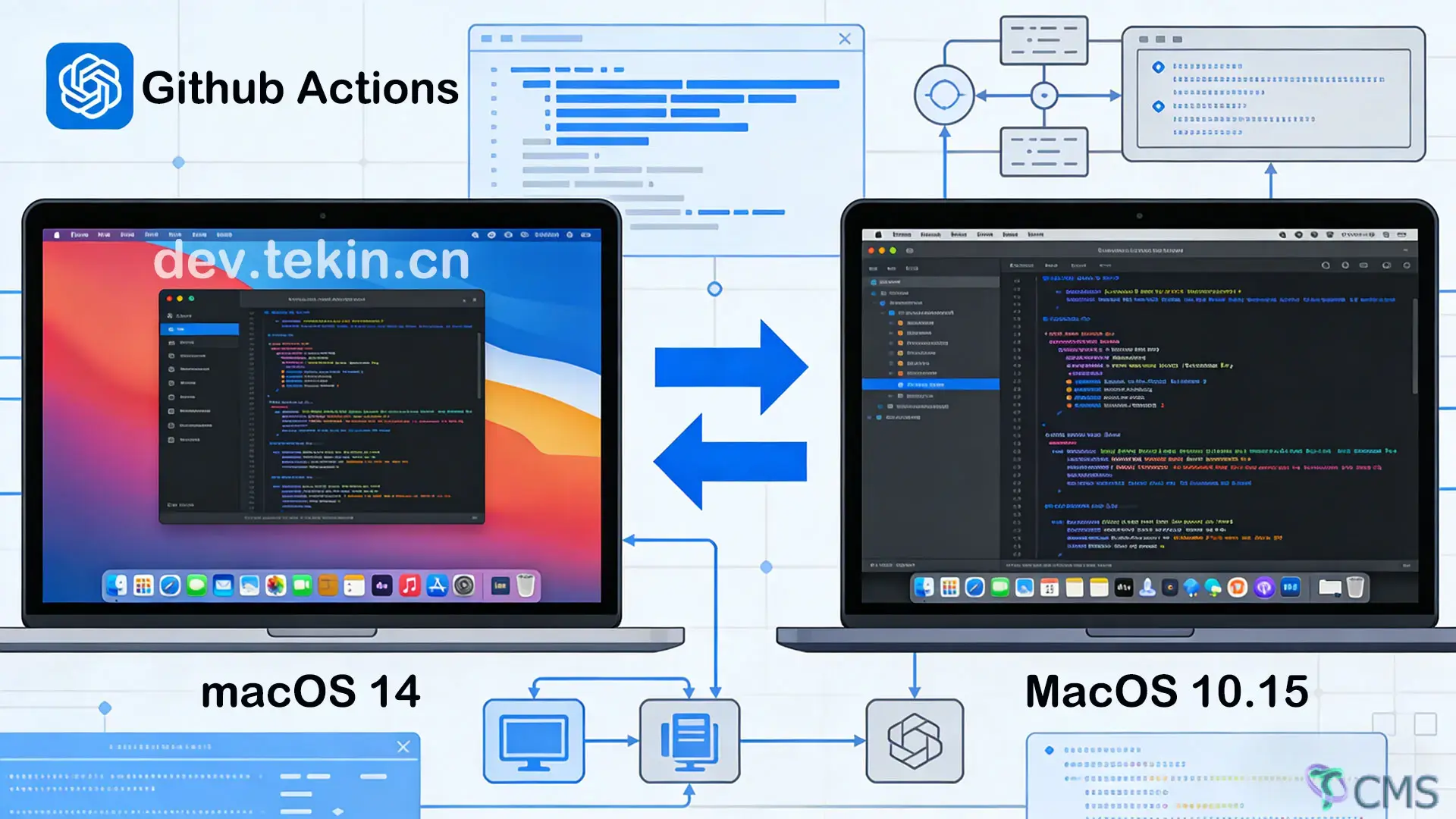
开发 CopyPathFinder 这款 macOS 应用时,我们需要支持从 macOS 10.15 (Catalina) 到最新版本的系统。然而,GitHub Actions 的 macOS 环境选择受到严重限制:
当前 GitHub Actions macOS Runner 状态:
这种现状带来了一个关键的技术难题:
如何在仅有的高版本 macOS 环境中编译出能在低版本系统上运行的二进制文件?
name: Release
on:
push:
tags:
- 'v*'
permissions:
contents: write # 关键:添加创建 release 的权限
jobs:
create-release:
runs-on: macos-14 # 使用最新 macOS 环境
steps:
- name: Checkout
uses: actions/checkout@v4
- name: Setup Xcode
uses: maxim-lobanov/setup-xcode@v1
with:
xcode-version: latest-stable# 设置最低 macOS 版本
export MACOSX_DEPLOYMENT_TARGET=10.15
# Intel 版本编译(兼容 macOS 10.15+)
swift build -crelease \
--triplex86_64-apple-macos10.15 \
-Xlinker -platform_version -Xlinkermacos -Xlinker 10.15 -Xlinker 10.15
# ARM64 版本编译(兼容 macOS 11.0+)
swift build -crelease \
--triplearm64-apple-macos11.0 \
-Xlinker -platform_version -Xlinkermacos -Xlinker 11.0 -Xlinker 11.0 \
--build-path.build-arm64--triple:指定目标平台三元组-Xlinker -platform_version:明确指定链接器使用的平台版本--build-path:为不同架构指定独立的构建路径,避免冲突# 为不同版本设置不同的最低系统要求
/usr/libexec/PlistBuddy -c "Set :LSMinimumSystemVersion 10.15"Release/Intel/CopyPathFinder.app/Contents/Info.plist
/usr/libexec/PlistBuddy -c "Set :LSMinimumSystemVersion 11.0"Release/ARM64/CopyPathFinder.app/Contents/Info.plist# 自签名(适用于无开发者证书的情况)
codesign --force --deep --sign "-" --optionsruntime Release/Intel/CopyPathFinder.app
codesign --force --deep --sign "-" --optionsruntime Release/ARM64/CopyPathFinder.app
# 可选:开发者证书签名(有证书时)
if[ -n "$APPLE_SIGNING_IDENTITY"]; then
codesign --force --verify --verbose --sign "$APPLE_SIGNING_IDENTITY"Release/Intel/CopyPathFinder.app
codesign --force --verify --verbose --sign "$APPLE_SIGNING_IDENTITY"Release/ARM64/CopyPathFinder.app
fi问题描述:
sha256sum: command not found根本原因: macOS 系统默认没有 sha256sum命令,使用的是 shasum。
解决方案:
# 错误写法(Linux)
sha256sum CopyPathFinder-Intel.dmg > CopyPathFinder-Intel.dmg.sha256
# 正确写法(macOS)
shasum -a 256CopyPathFinder-Intel.dmg > CopyPathFinder-Intel.dmg.sha256问题描述:
permissions:
contents: write问题描述: 编译出的二进制文件在目标系统上无法运行。
解决方案: 添加验证步骤检查二进制兼容性:
# 检查 Intel 二进制
otool -l.build/release/CopyPathFinder-x86_64 | grep -A5 "LC_VERSION_MIN_MACOSX"
# 检查 ARM64 二进制
otool -l.build/release/CopyPathFinder-arm64 | grep -A5 "LC_VERSION_MIN_MACOSX"问题描述: 不同架构的构建产物相互干扰。
解决方案: 为 ARM64 使用独立的构建路径:
# Intel 使用默认路径 .build
# ARM64 使用独立路径 .build-arm64
swift build -crelease --triplearm64-apple-macos11.0 --build-path.build-arm64MACOSX_DEPLOYMENT_TARGET--triple明确指定目标平台name: Release
on:
push:
tags:
- 'v*'
permissions:
contents: write
jobs:
create-release:
runs-on: macos-14
steps:
- name: Checkout
uses: actions/checkout@v4
- name: Setup Xcode
uses: maxim-lobanov/setup-xcode@v1
with:
xcode-version: latest-stable
- name: Cache Swift Package Manager
uses: actions/cache@v4
with:
path: |
.build
~/Library/Developer/Xcode/DerivedData
key: ${{runner.os }}-spm-${{hashFiles('Package.swift') }}
restore-keys: |
${{ runner.os }}-spm-
- name: Build Release
run: |
# Set minimum macOS version for compatibility
export MACOSX_DEPLOYMENT_TARGET=10.15
# Clean previous builds
swift package clean
# Build Intel version for macOS 10.15 compatibility
echo "🏗️ Building Intel (x86_64) version..."
swift build -c release \
--triple x86_64-apple-macos10.15 \
-Xlinker -platform_version -Xlinker macos -Xlinker 10.15 -Xlinker 10.15
# Immediately copy and rename Intel binary
cp .build/release/CopyPathFinder .build/release/CopyPathFinder-x86_64
# Create separate directory for ARM64 build
mkdir -p .build-arm64/release
swift build -c release \
--triple arm64-apple-macos11.0 \
-Xlinker -platform_version -Xlinker macos -Xlinker 11.0 -Xlinker 11.0 \
--build-path .build-arm64
# Copy ARM64 binary to standard location
cp .build-arm64/release/CopyPathFinder .build/release/CopyPathFinder-arm64
# Verify binary compatibility
echo "🔍 Checking Intel binary compatibility:"
otool -l .build/release/CopyPathFinder-x86_64 | grep -A5 "LC_VERSION_MIN_MACOSX" || echo "No LC_VERSION_MIN_MACOSX found"
echo "🔍 Checking ARM64 binary compatibility:"
otool -l .build/release/CopyPathFinder-arm64 | grep -A5 "LC_VERSION_MIN_MACOSX" || echo "No LC_VERSION_MIN_MACOSX found"strip命令移除调试信息通过本文的实践,我们成功实现了在 GitHub Actions macos-14环境下编译出兼容 macOS 10.15+ 的多架构应用。关键要点包括:
--triple和链接器选项确保版本兼容性当前 GitHub Actions 生态的现实情况:
这种现状对开发者的深远影响:
开源项目的现实需求:
企业项目的考量:
这套方案不仅适用于 CopyPathFinder,也可以应用到其他 macOS 应用的 CI/CD 流程中,为开发者提供一个可靠的跨版本兼容性编译解决方案。更重要的是,它解决了 GitHub Actions 生态限制带来的实际问题,为 macOS 开发社区提供了宝贵的技术参考。
关于作者:开源爱好者,专注于 macOS 应用开发和 CI/CD 流程优化。CopyPathFinder 项目维护者。
项目地址: https://github.com/tekintian/CopyPathFinder

 Tekin Tian
12月 17, 2025
 Tekin Tian
12月 01, 2025
 Tekin Tian
11月 25, 2025
 Tekin Tian
11月 26, 2025
 Tekin Tian
11月 16, 2025
 Tekin Tian
11月 12, 2025
 Tekin Tian
11月 14, 2025
 Tekin Tian
11月 04, 2025
 Tekin Tian
11月 04, 2025
 Tekin Tian
11月 04, 2025


在下方输入邮箱地址后,点击订阅按钮即可完成订阅,同时代表您同意我们的条款与条件。